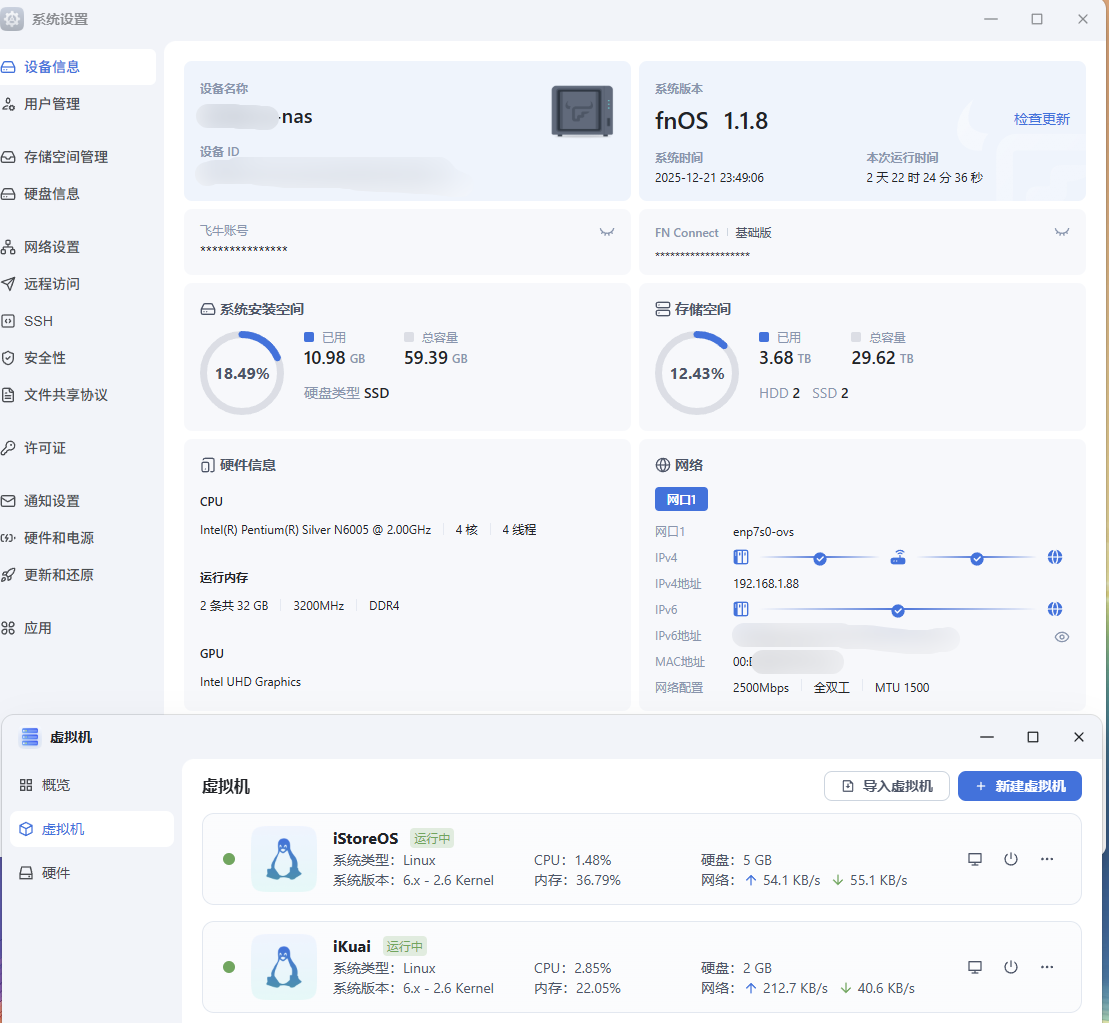
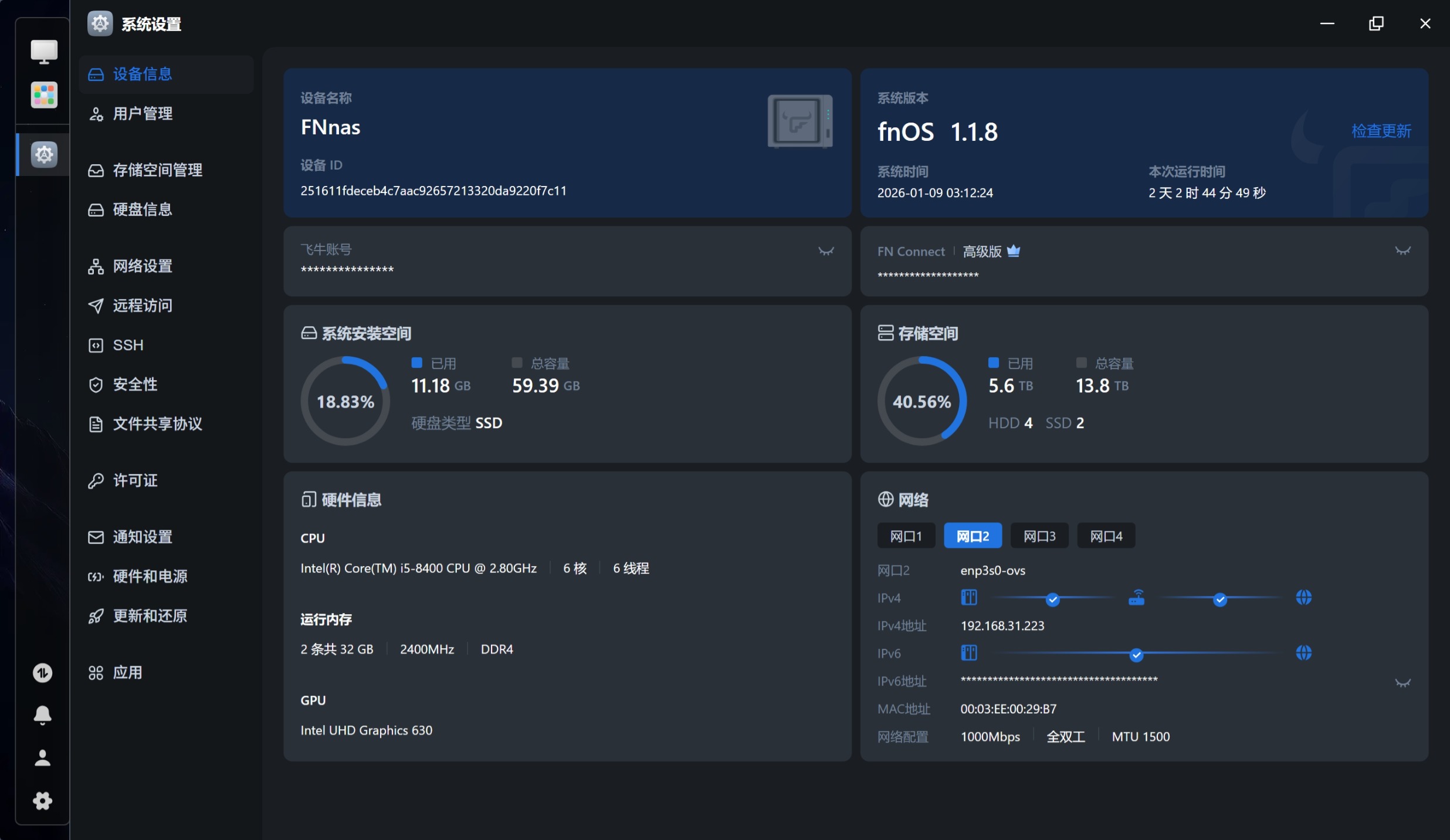
能hold住,pve可以自己编译个ct模板,资源占用再少。
网址:
https://downloads.immortalwrt.org/
镜像名称:
generic-squashfs-combined-efi.img.gz
| 固件版本 |
ImmortalWrt 24.10.2 r33247-467867283bb9 / LuCI openwrt-24.10 branch 25.175.22647~dbf5de0 |
PVE中CT模板目录
/var/lib/vz/template/cache/
1、使用wget 将指定镜像拉取到pve目录内
2、使用mv命令重命名为一个短名称
mv 原名称 新名称
3、解压缩
gzip -d 名称.img.gz
4、创建一个挂载目录并加载nbd模块
mkdir /mnt/openwrt
modprobe nbd
qemu-nbd -c /dev/nbd0 -f raw 镜像名.img
lsblk -f /dev/nbd0
mount /dev/nbd0p2 /mnt/openwrt
cd /mnt/openwrt
5、打包镜像
tar --numeric-owner --anchored --exclude='./dev/*' -czf /var/lib/vz/template/cache/wrt.rootfs.tar.gz .
6、卸载挂载目录
cd
umount /mnt/openwrt/
qemu-nbd -d /dev/nbd0
7、安装这个CT
pct create 123 local:vztmpl/wrt.rootfs.tar.gz \
  --rootfs local:2 \
  --features nesting=1,keyctl=1 \
  --hostname openwrt \
  --memory 256 \
  --net0 name=eth0,bridge=vmbr0,ip=dhcp \
  --ostype unmanaged
local:vztmpl/wrt.rootfs.tar.gz → 你打包好的 OpenWrt rootfs--rootfs local:2 → 给 rootfs 分配 2G 存储(你可以改成 1G、4G 等)local修改为自己的--features nesting=1,keyctl=1 → 打开 LXC 的额外功能(OpenWrt 需要)--net0 name=eth0,bridge=vmbr0,ip=dhcp → 把 eth0 接到 PVE 的 vmbr0 网桥,并用 DHCP 拿 IP--ostype unmanaged → 不检查 /etc/os-release,直接创建
之后可以到窗口修改IP等信息。
8、内部修改IP和添加tun网卡
vi /etc/config/network
在PVE主机
nano /etc/pve/lxc/虚拟机编号.conf
lxc.cgroup2.devices.allow: c 10:200 rwm
lxc.mount.entry: /dev/net/tun dev/net/tun none bind,create=file
9、更新
无法进行固件更新,只有重新打包
完成




 2025-12-19 11:33:34


 2025-12-19 17:43:42 楼主