进入 飞牛 os 的 SSH 终端,执行以下命令确认是不是 /usr/local/apps/@appcenter/trim.snapshots/trim-snapshots 文件变成 ARM 架构
file /usr/local/apps/@appcenter/trim.snapshots/trim-snapshots
如果输出类似文本(含 ARM aarch64)就可以使用该方案临时修复
/usr/local/apps/@appcenter/trim.snapshots/trim-snapshots: ELF 64-bit LSB executable, ARM aarch64, version 1 (SYSV), dynamically linked, interpreter /lib/ld-linux-aarch64.so.1, BuildID[sha1]=2a41f0fa8f1f5731c014d2f15fd2aa31a99a6879, for GNU/Linux 3.7.0, stripped
修复步骤:
- 下载文件:trim-snapshots (v0.1.55) - 蓝奏云(该文件为 x64 架构的官方文件,从旧的飞牛 os 中提取)
- 将该文件导入飞牛 os 中
/usr/local/apps/@appcenter/trim.snapshots/ 文件夹下即可
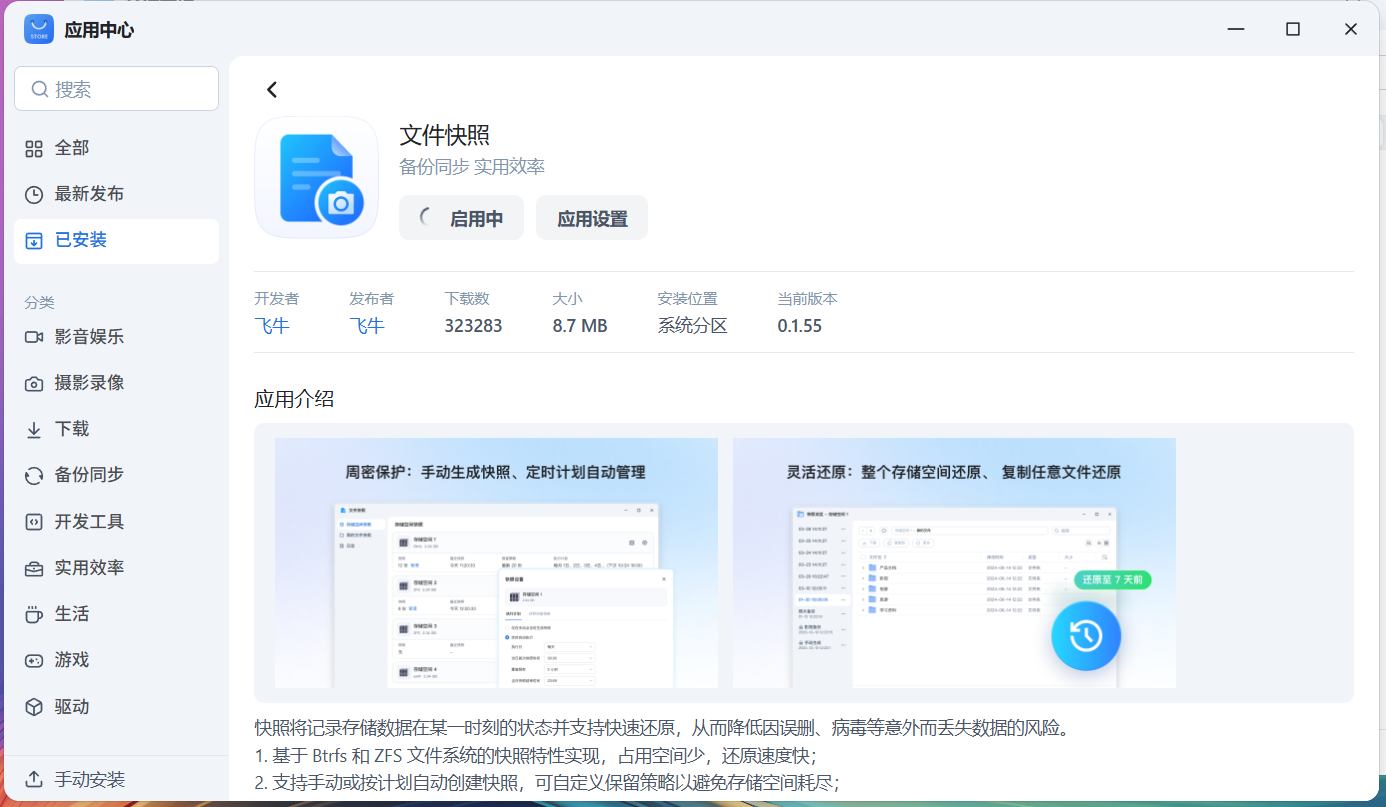
修复前:

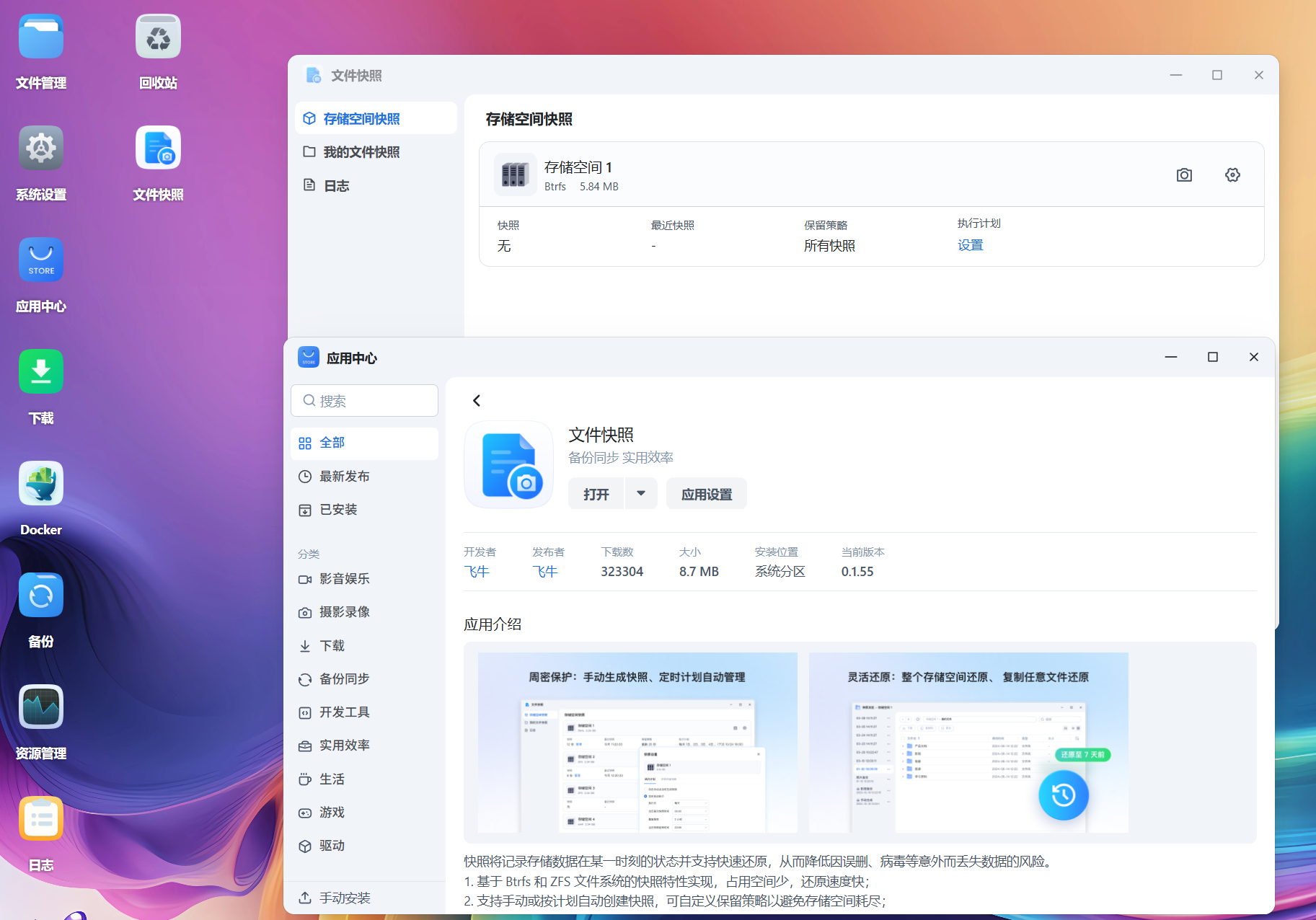
修复后:





 2025-12-22 17:21:14


