cker compose 部署
services:
  frigate:
    container_name: frigate
    restart: unless-stopped
    stop_grace_period: 30s # 为各服务提供足够的关闭时间
    image: ghcr.nju.edu.cn/garymathews/frigate:181fb00-rocm-7.2.0
    shm_size: "512mb" # 根据上述计算结果为你的摄像头更新此值
    devices:
      - /dev/dri:/dev/dri
      - /dev/kfd:/dev/kfd # 用于GPU硬件加速
    volumes:
      - /etc/localtime:/etc/localtime:ro # 同步宿主机时间
      - /vol2/1000/app/frigate:/config # "/vol2/1000/app/frigate"为你宿主机上希望存放配置文件的路径,请根据实际路径修改
      - /vol1/1000/监控:/media/frigate # "/vol1/1000/监控/"为你宿主机上希望存放监控录像文件的路径
      - type: tmpfs # 使用 512m 内存作为录制片段存储的临时存储
        target: /tmp/cache
        tmpfs:
          size: 536870912
    ports:
      - "8971:8971" # Frigate 服务默认端口,默认为https
      - "8554:8554" # RTSP视频流
      - "8555:8555/tcp" # 基于TCP的WebRTC
      - "8555:8555/udp" # 基于UDP的WebRTC
    environment:
      HSA_OVERRIDE_GFX_VERSION: "9.0.0"
      TZ: "Asia/Shanghai" # 设置为中国+8时区
      HF_ENDPOINT: "https://huggingface.mirror.frigate-cn.video"
      GITHUB_ENDPOINT: "https://github.mirror.frigate-cn.video"
      TF_KERAS_MOBILENET_V2_WEIGHTS_URL: https://cnb.cool/frigate-cn/mirrors/storage.googleapis/-/git/raw/main/tensorflow/keras-applications/mobilenet_v2/mobilenet_v2_weights_tf_dim_ordering_tf_kernels_0.35_224_no_top.h5
      LIBVA_DRIVER_NAME: "radeonsi" # AMD GPU 视频加速驱动
部署完成打开frigate, https://ip:8971
frigate用户名为admin,密码需自行查看容器日志
登录后的第一步当然是修改密码和添加摄像头
接着设置打开人脸识别,然后下载yolo模型以及类型文本放到/config/model_cahe(请注意,这是容器内的目录,请根据宿主机映射的目录放到宿主机内)
之后编辑config文件 在最后面添加
detectors:
  rocm:
    type: migraphx
    device: GPU # Optional: Device Type (GPU or CPU) [default: GPU]
    conserve_cpu: true # Optional: Conserve CPU at the expense of latency [default: true]
    fast_math: true # Optional: Optimize math functions to use faster approximate versions [default: true]
    exhaustive_tune: false # Optional: Use exhaustive search to find the fastest generated kernels [default: false]

  # OR use the existing onnx detector type
  onnx:
    type: onnx
    device: GPU

model:
  width: 640
  height: 640
  input_tensor: nchw
  input_pixel_format: bgr
  input_dtype: float
  model_type: yolo-generic
  path: /config/model_cache/yolo12n_640.onnx
  labelmap_path: /config/model_cache/coco-labels.txt
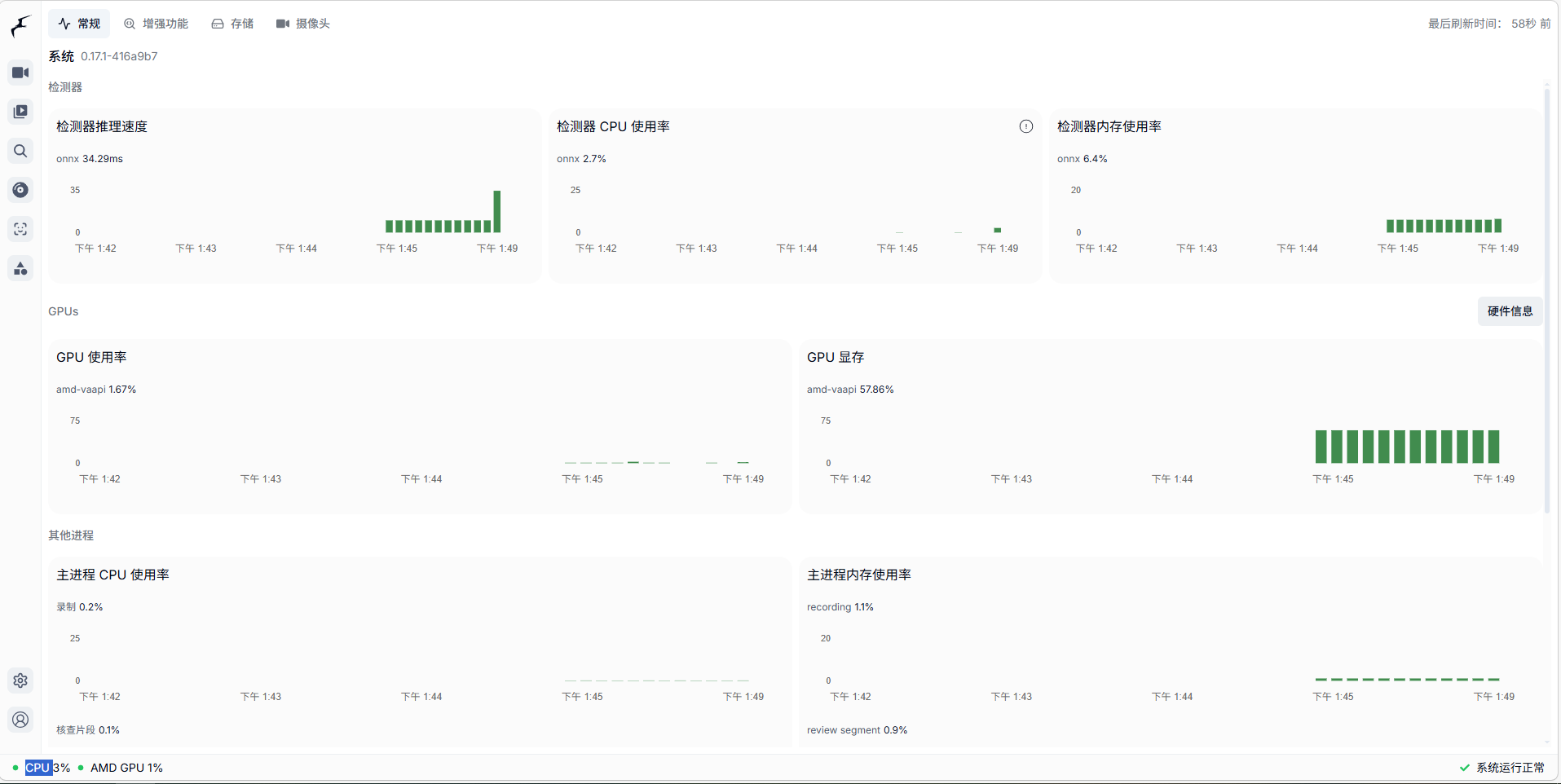
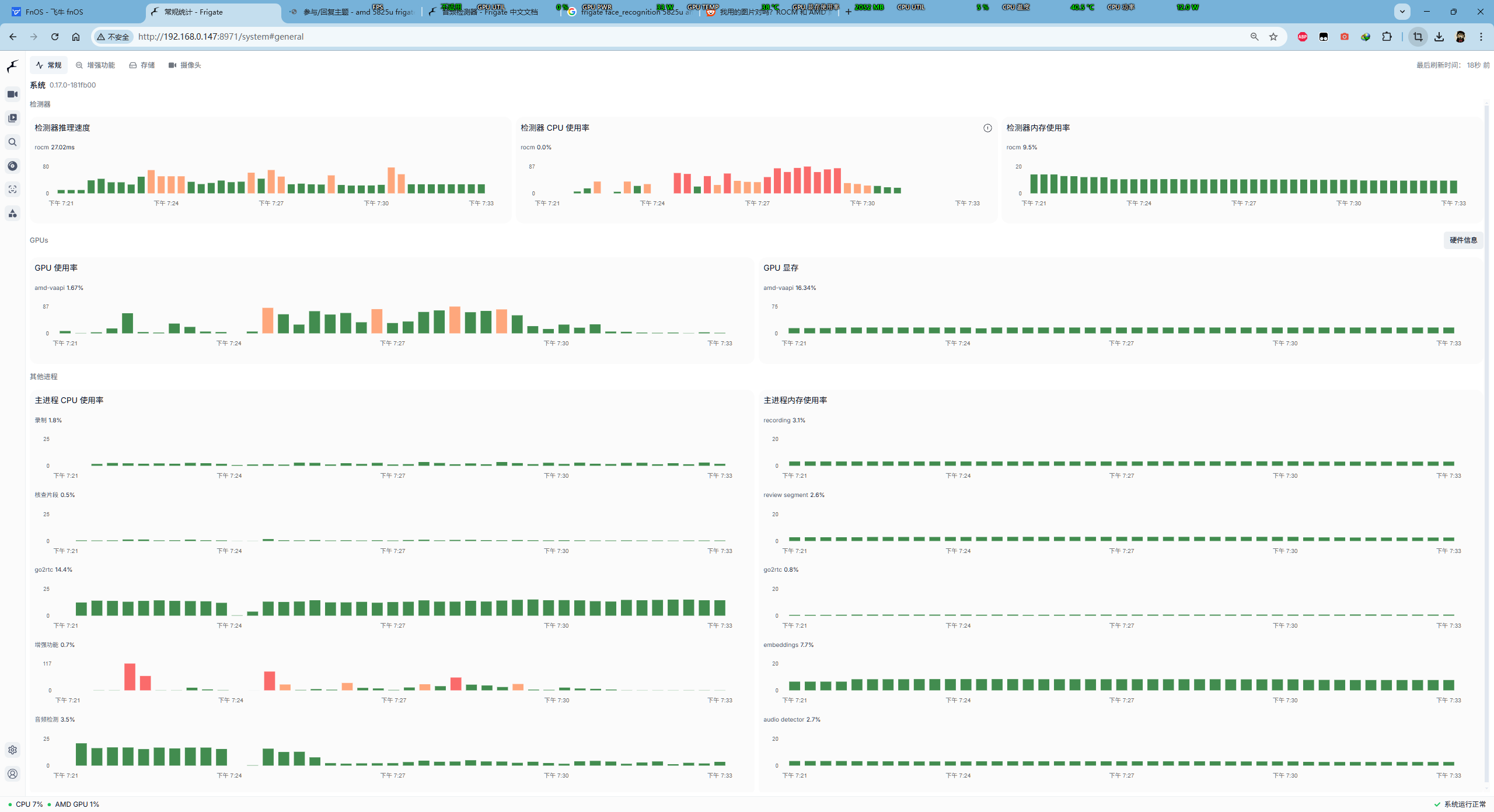
编辑完后重启容器,frigate会有一段时间99%cpu占用率,别担心,这是migraphx在编译模型中,编译完成后就正常。
模型及文本链接
coco-labels.txt :https://github.com/garymathews/frigate/releases/download/440056a-rocm-7.2.0/coco-labels.txt
yolo12n\_640.onnx:https://github.com/garymathews/frigate/releases/download/440056a-rocm-7.2.0/yolo12n_640.onnx




 2026-4-3 18:59:05


 2026-5-9 13:55:20 楼主