@EWEDL
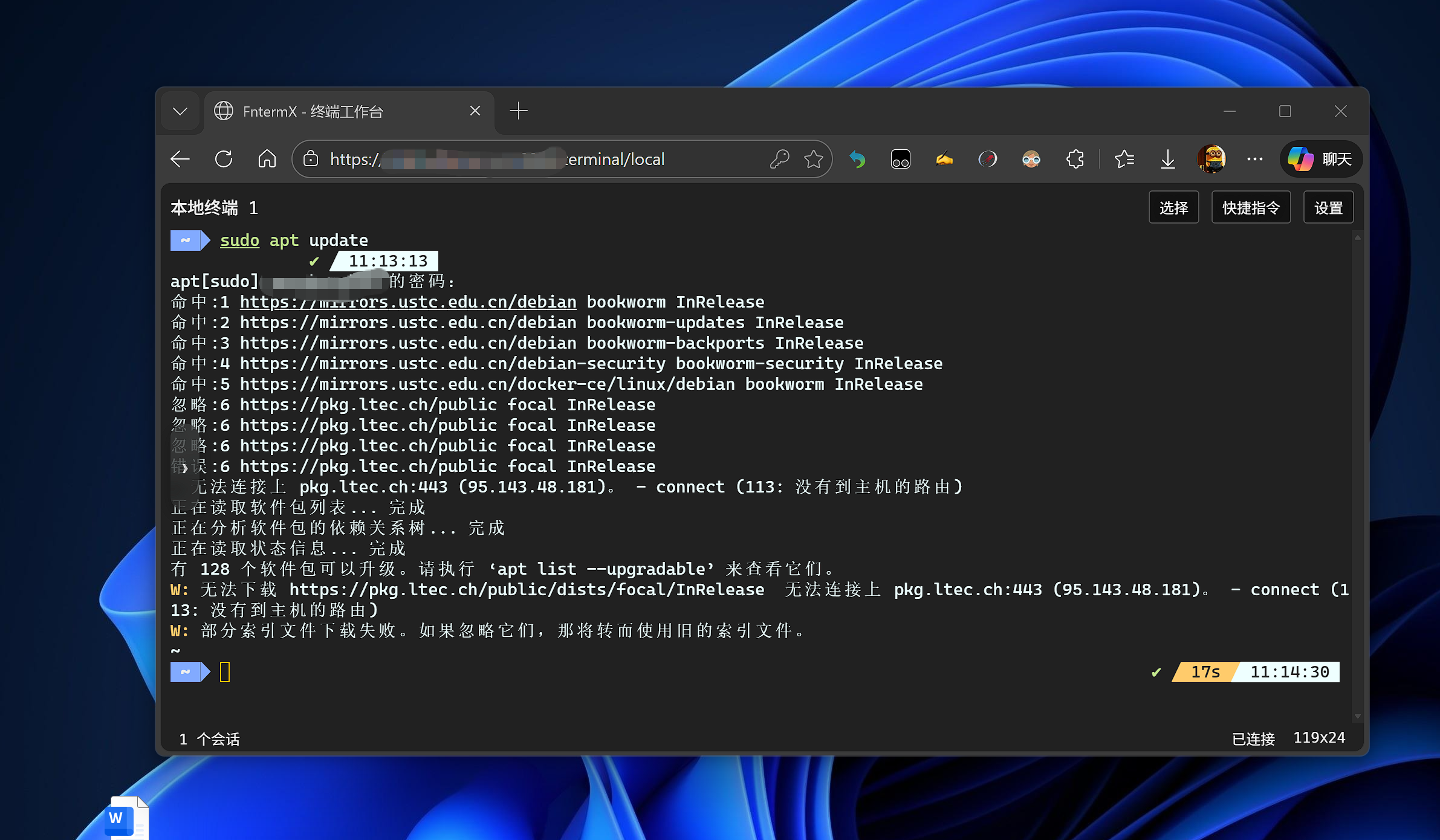
大佬,在您的FntermX的“本地终端”中输入su - root、sudo -i等命令都报错,豆包和Deepseek说您这个是非交互式终端。我使用PuTTY连接,su - root、sudo -i等命令就是正常的。求教什么原因啊?
#FntermX的
bash: cannot set terminal process group (-1): Inappropriate ioctl for device
bash: no ** control in this shell
zw@zw:/vol1$ su - root
Password:
su: Authentication failure
zw@zw:/vol1$ sudo passwd root
sudo: a terminal is required to read the password; either use the -S option to read from standard input or configure an askpass helper
sudo: a password is required
zw@zw:/vol1$ sudo -i
sudo: a terminal is required to read the password; either use the -S option to read from standard input or configure an askpass helper
sudo: a password is required
zw@zw:/vol1$ sudo whoami
sudo: a terminal is required to read the password; either use the -S option to read from standard input or configure an askpass helper
sudo: a password is required
#PuTTY的
login as: zw
zw@192.168.153.134's password:
Linux zw 6.12.18-trim #100008 SMP PREEMPT_DYNAMIC Fri Nov 7 15:07:53 CST 2025 x86_64
Last login: Sat Jan 3 14:19:25 2026 from 192.168.42.1
Could not chdir to home directory /home/zw: No such file or directory
zw@zw:/$ sudo -i
[sudo] password for zw:
root@zw:~# cat /etc/ssh/sshd_config
This is the sshd server system-wide configuration file. See
sshd_config(5) for more information.
This sshd was compiled with PATH=/usr/local/bin:/usr/bin:/bin:/usr/games
The strategy used for options in the default sshd_config shipped with
OpenSSH is to specify options with their default value where
possible, but leave them commented. Uncommented options override the
default value.




 2025-11-23 14:45:21


 用不了
用不了


 2025-12-6 17:28:10 楼主
 我目前还是用1panel的控制台终端吧。。。