m 系列芯片可以安装,使用以下命令
# prlctl create fnOS -d -list

# 创建名为 fnOS 的虚拟机,指定为 x86 架构,其中 debian 为使用以上命令查询出来的
prlctl create fnOS -d debian --cpu-type x86
# 挂载镜像
prlctl set fnOS --device-set cdrom0 --image /Users/xxx/fnos-0.9.29-1142.iso --connect
# 启动虚拟机
prlctl start fnOS
安装大概要花费 1、2 个小时,遇到报错可以不用管
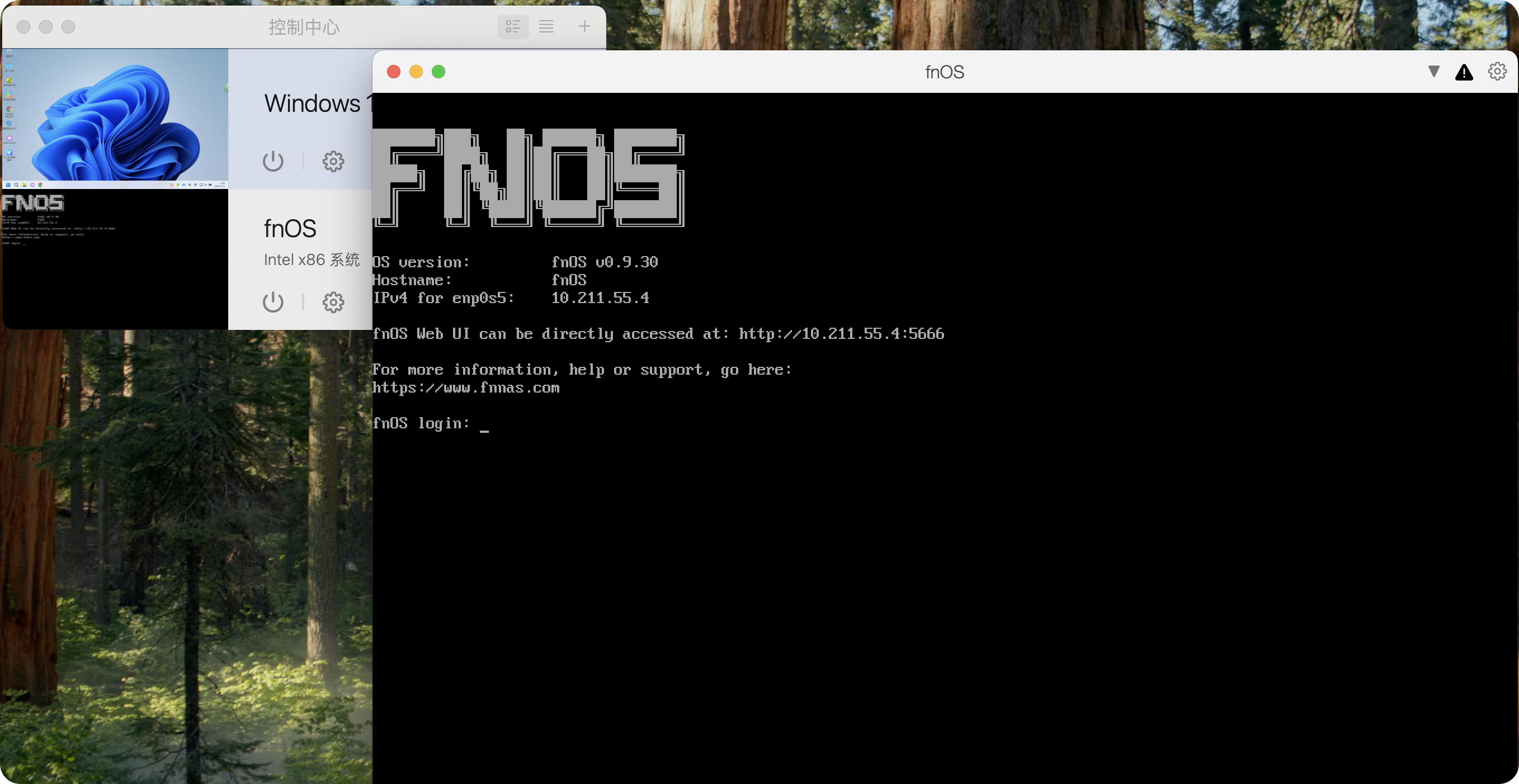
这是我安装成功的截图
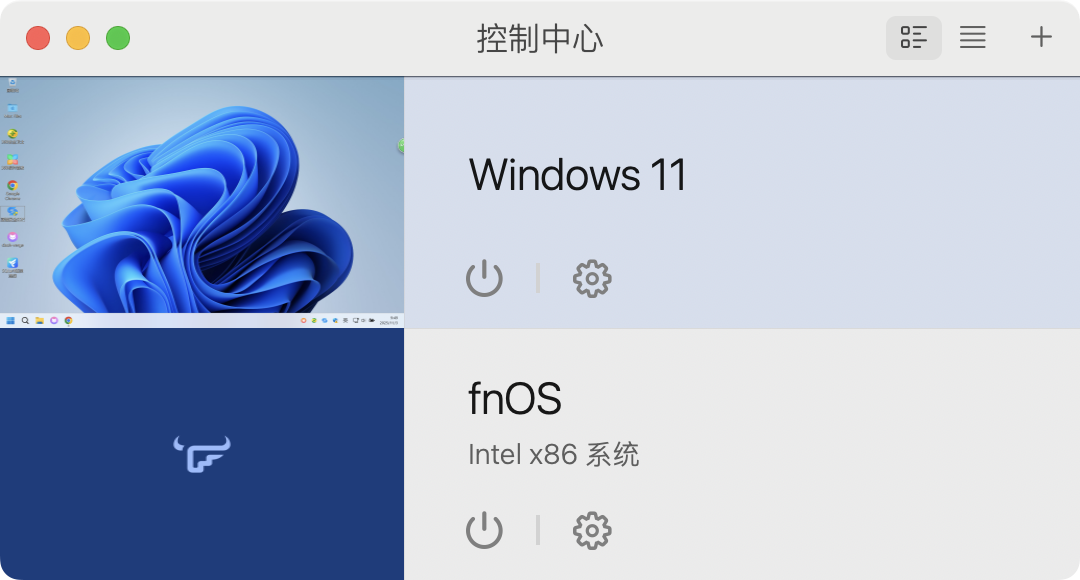
启动选择使用模拟器,启动成功截图




 2025-4-24 14:20:10


